# Template Development
How to create custom video templates.
---
## Template Introduction
Video templates use HTML to define the layout and style of video frames. Pixelle-Video provides multiple preset templates covering different video dimensions and style requirements.
---
## Built-in Template Preview
### Portrait Templates (1080x1920)
Suitable for TikTok, Kuaishou, Xiaohongshu, and other short video platforms.
- **static_default**
---
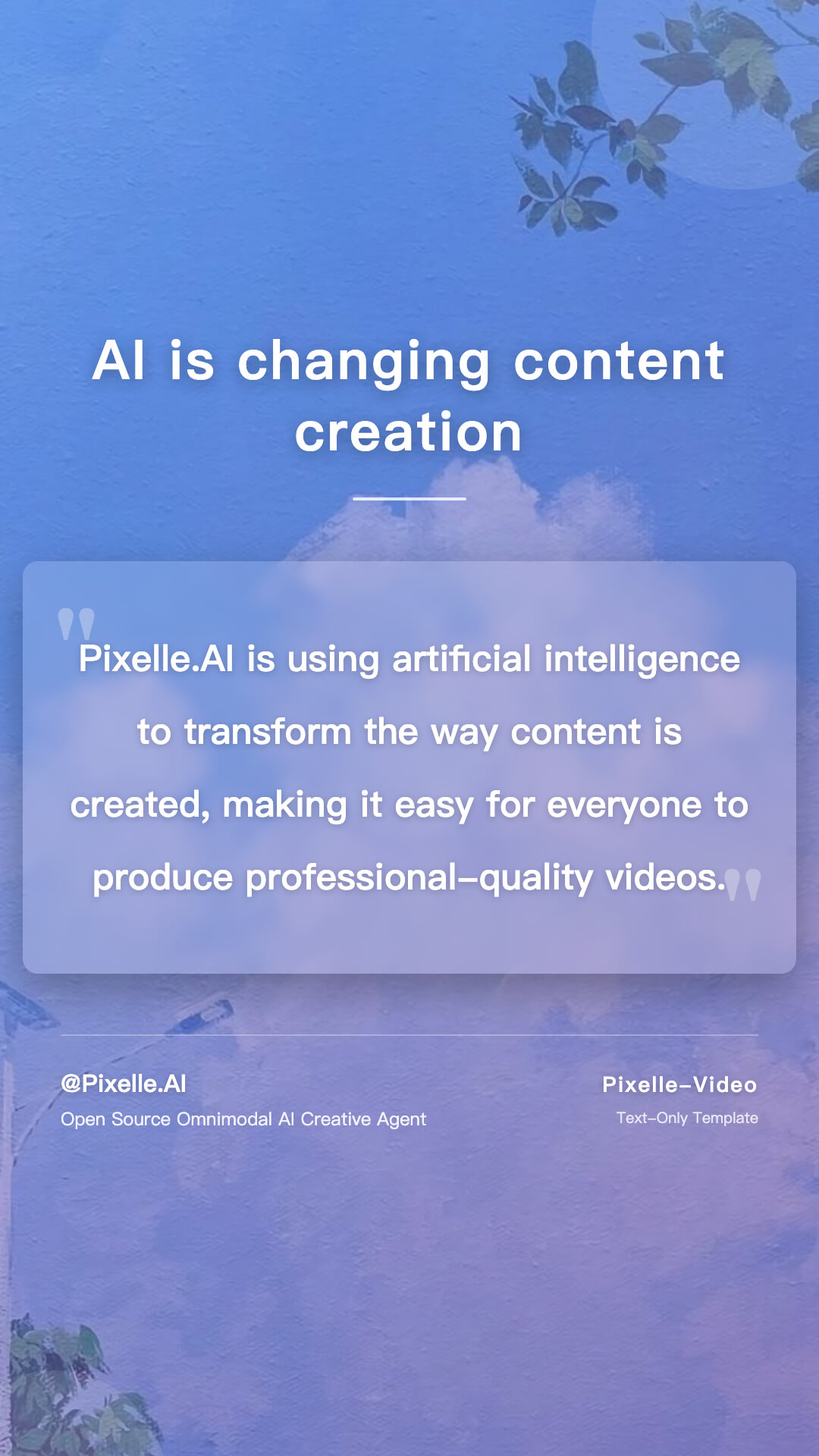
Default static template
- **static_excerpt**
---
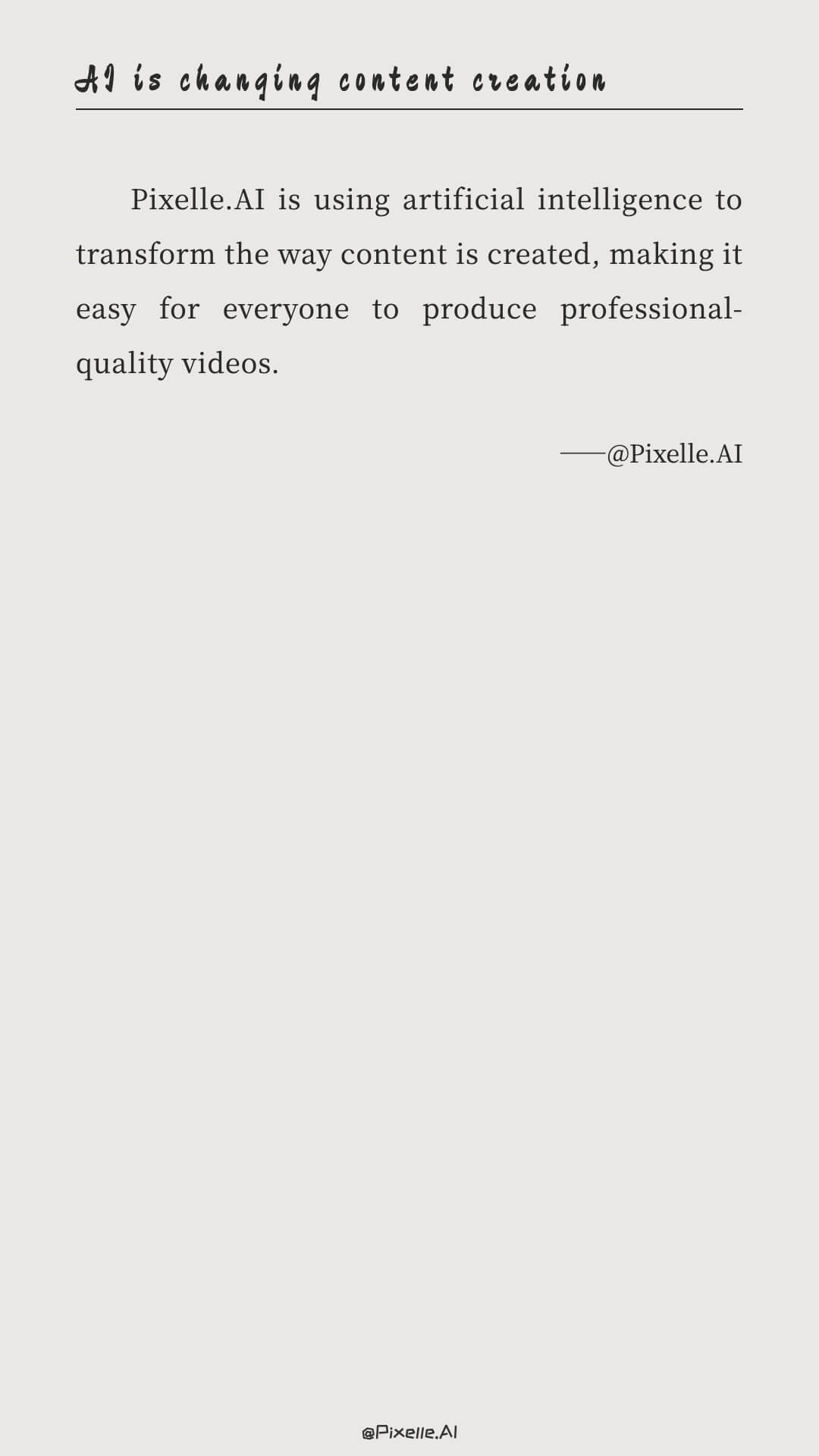
Text excerpt static template
- **Blur Card**
---

Blurred background card style, suitable for graphic content display
- **Cartoon**
---

Cartoon style, suitable for light and lively content
- **Default**
---
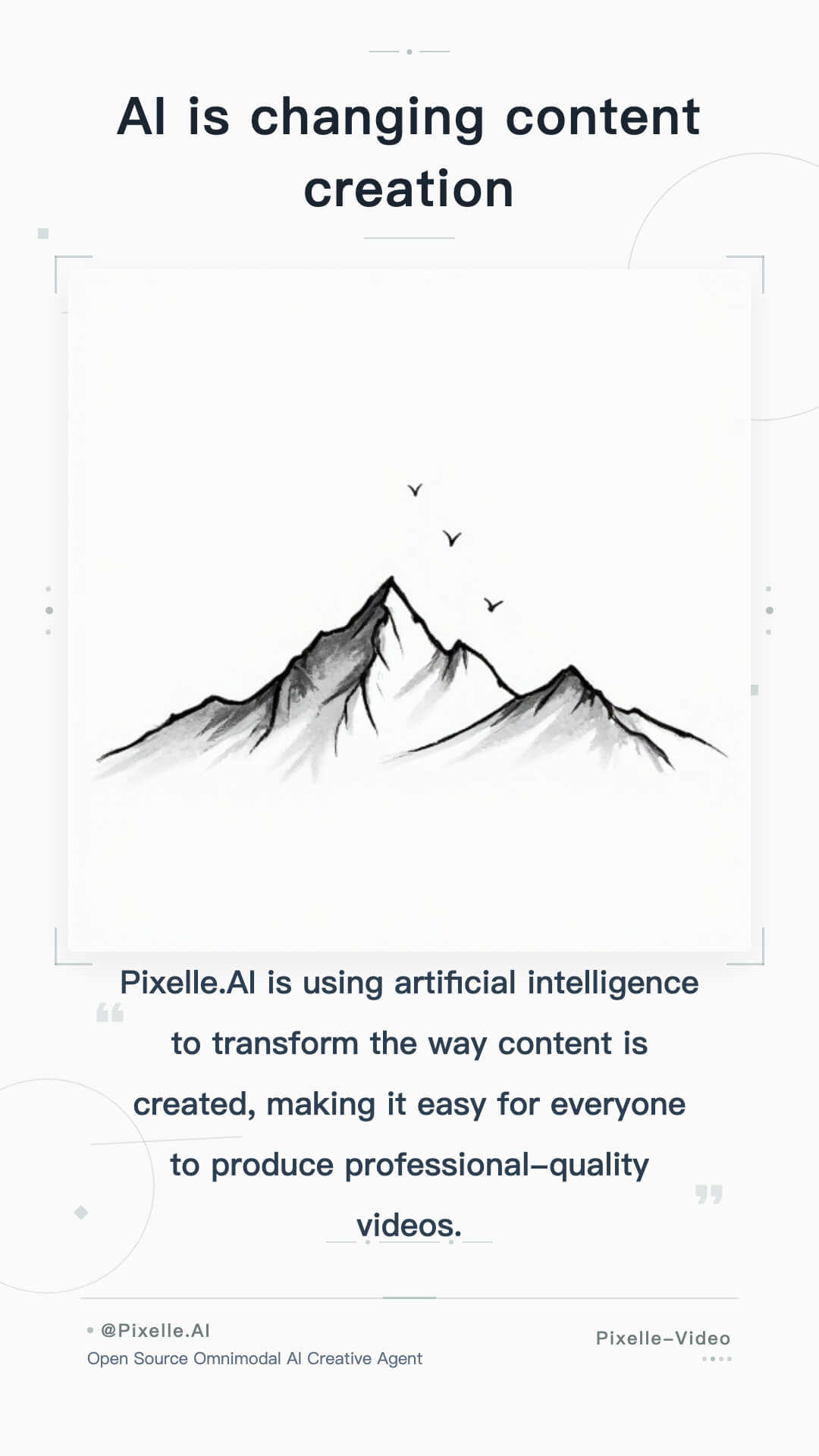
Default template, simple and versatile
- **Elegant**
---
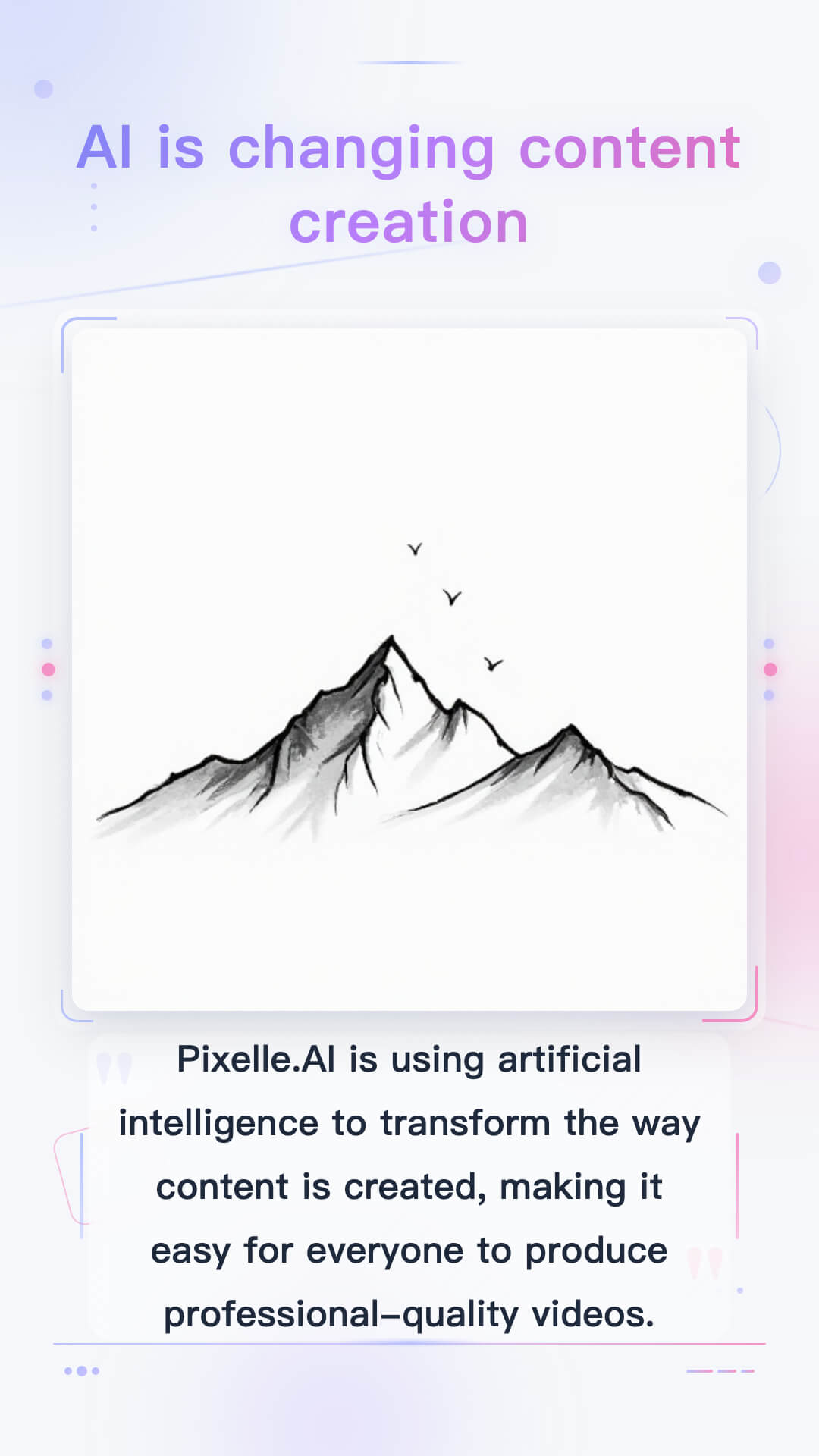
Elegant style, suitable for artistic and intellectual content
- **Fashion Vintage**
---

Retro fashion style, suitable for nostalgic themes
- **Life Insights**
---
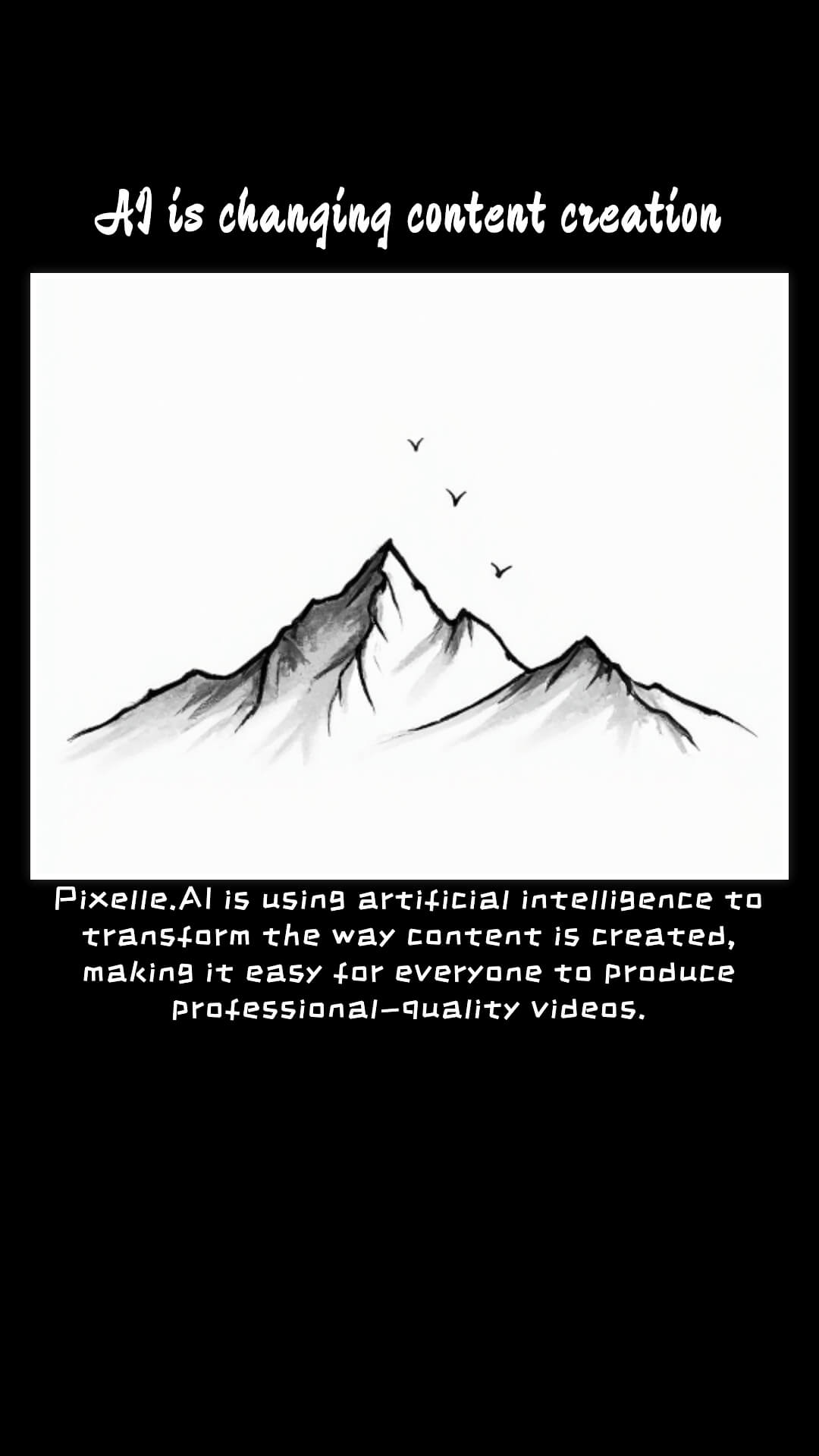
Life insight style, suitable for inspirational content
- **Modern**
---
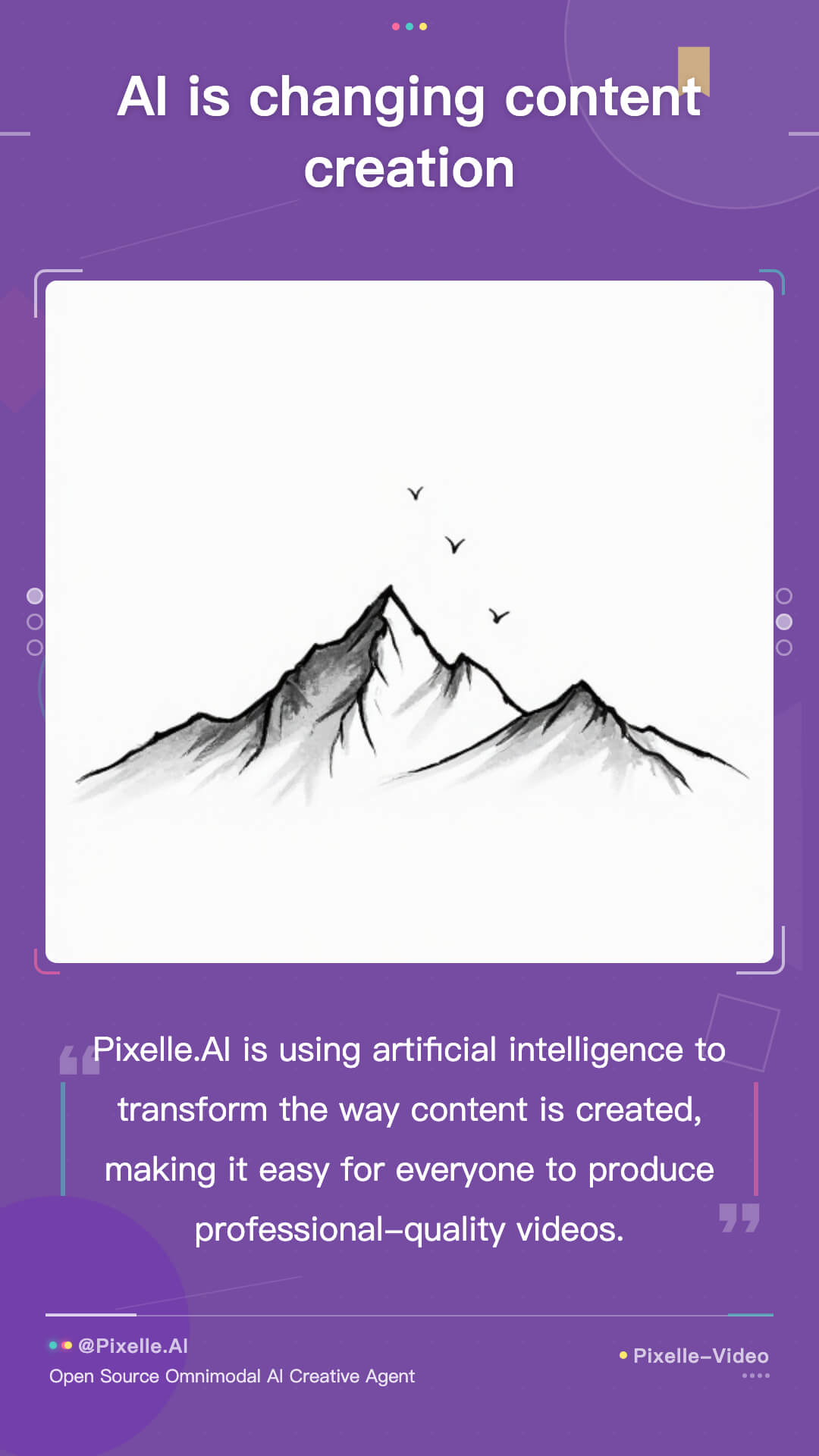
Modern minimalist style, suitable for business and tech content
- **Neon**
---

Neon style, suitable for fashion and trendy content
- **Psychology Card**
---
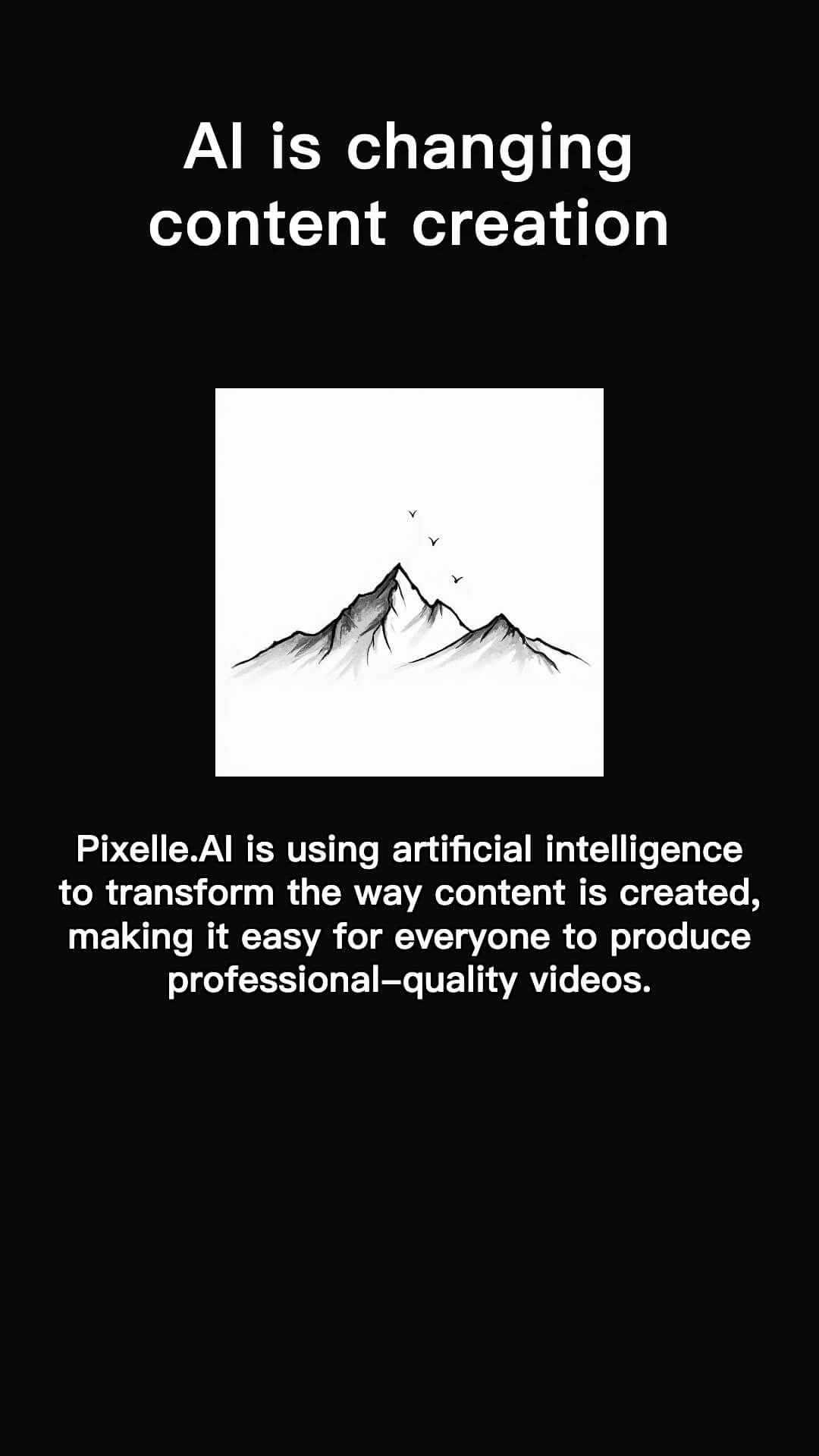
Psychology card style, suitable for knowledge popularization
- **Purple**
---
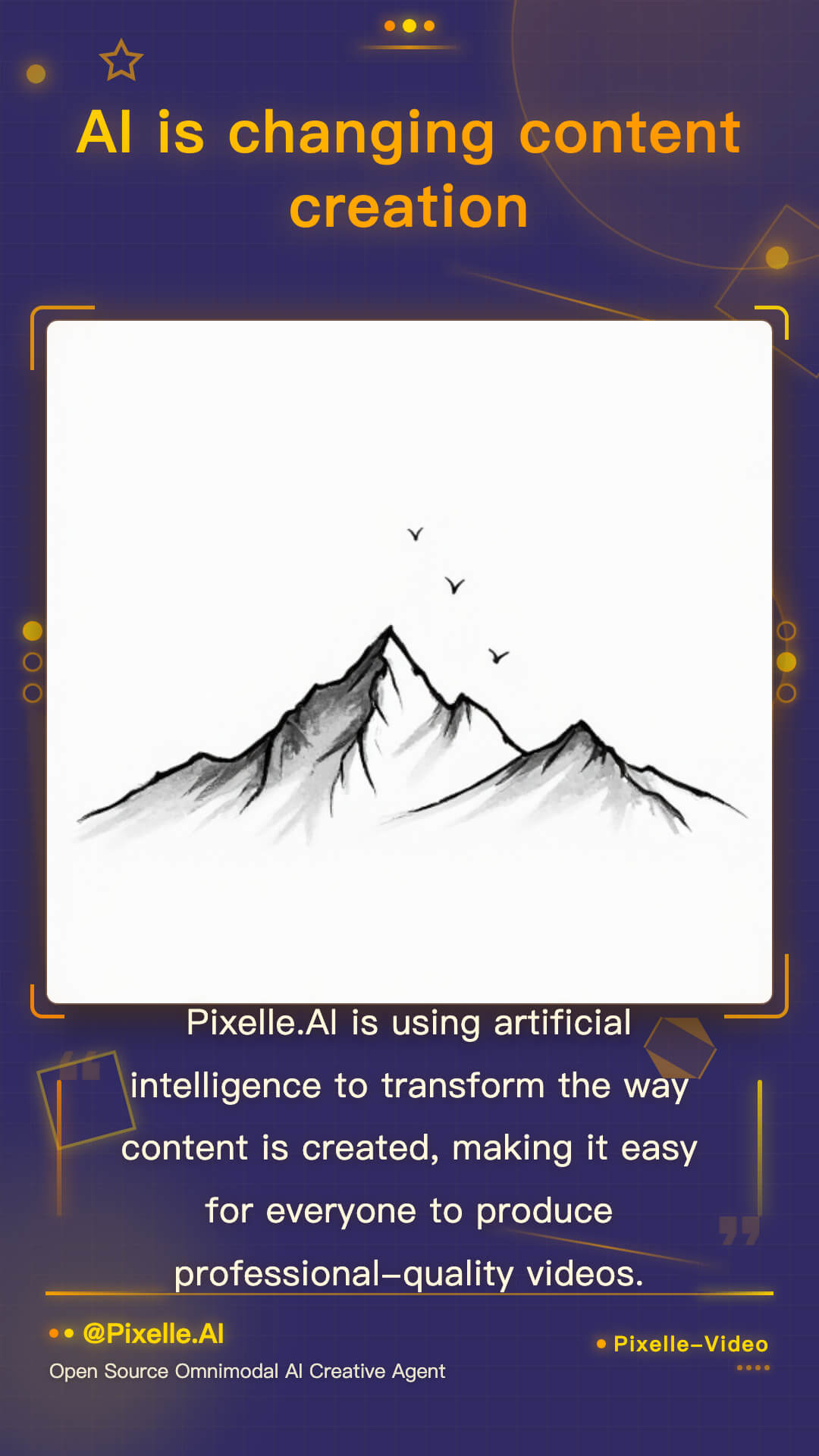
Purple theme, suitable for dreamy and mysterious styles
- **Satirical Cartoon**
---

80s satirical cartoon style for spiritual tales
- **Simple Black Background**
---

Simple black background, suitable for inspirational content
- **Simple Line Drawing**
---
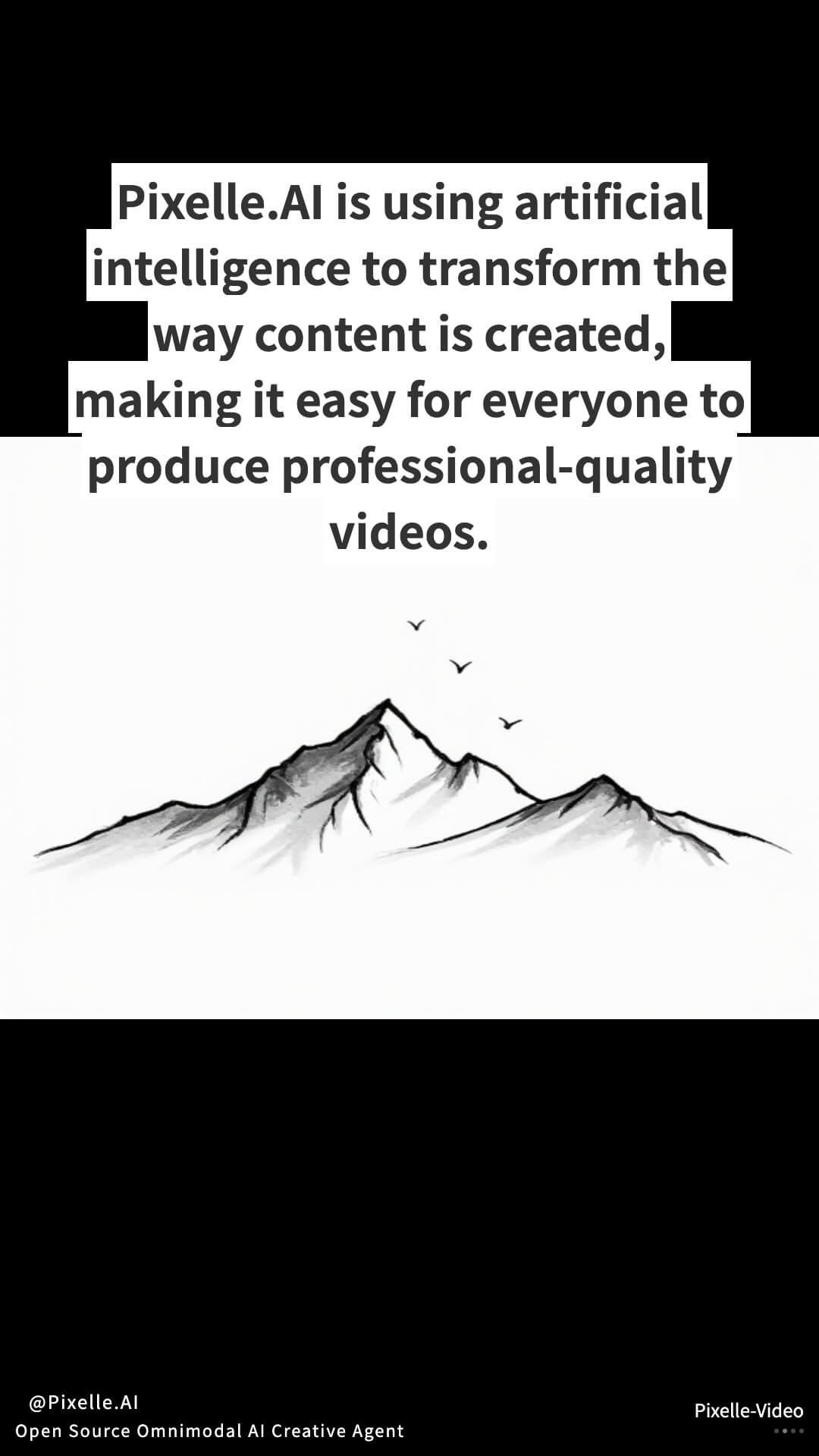
Simple line drawing style for cognitive growth content
- **Book**
---
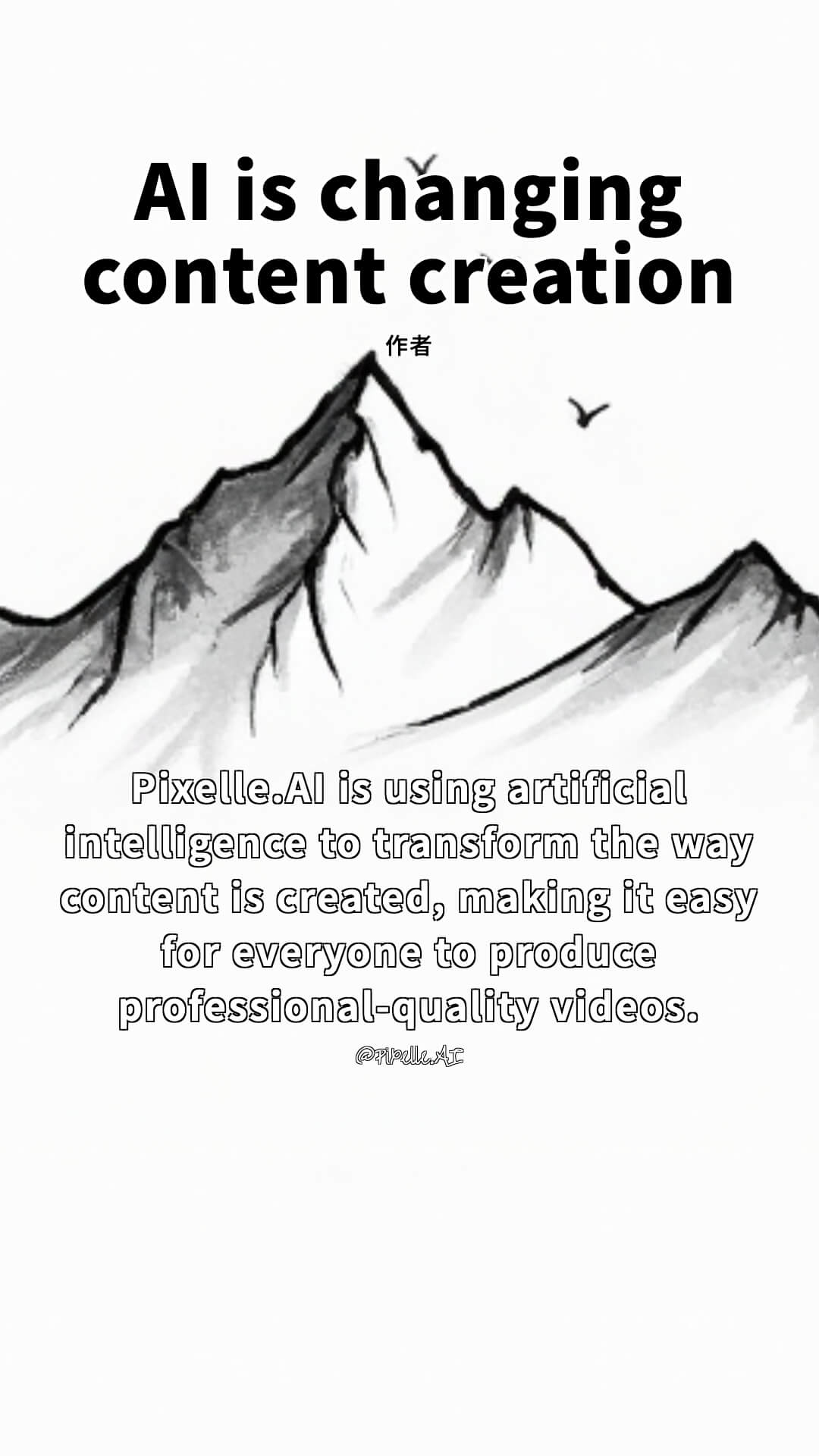
Book style, suitable for book lists
- **Long Text**
---
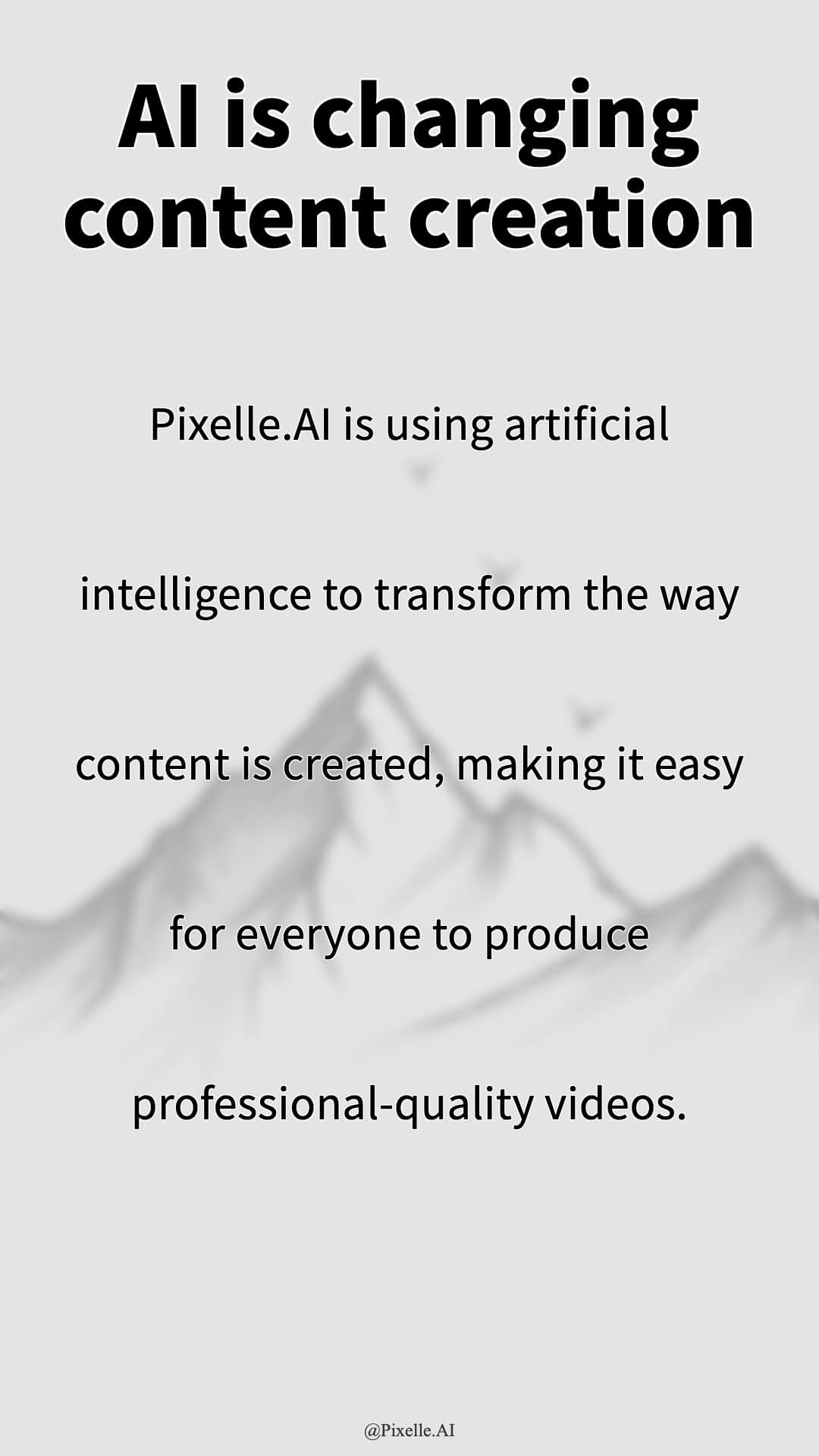
Long text style, suitable for inspirational content
- **Excerpt**
---

Excerpt style, suitable for quotes and book excerpts
- **Health Preservation**
---
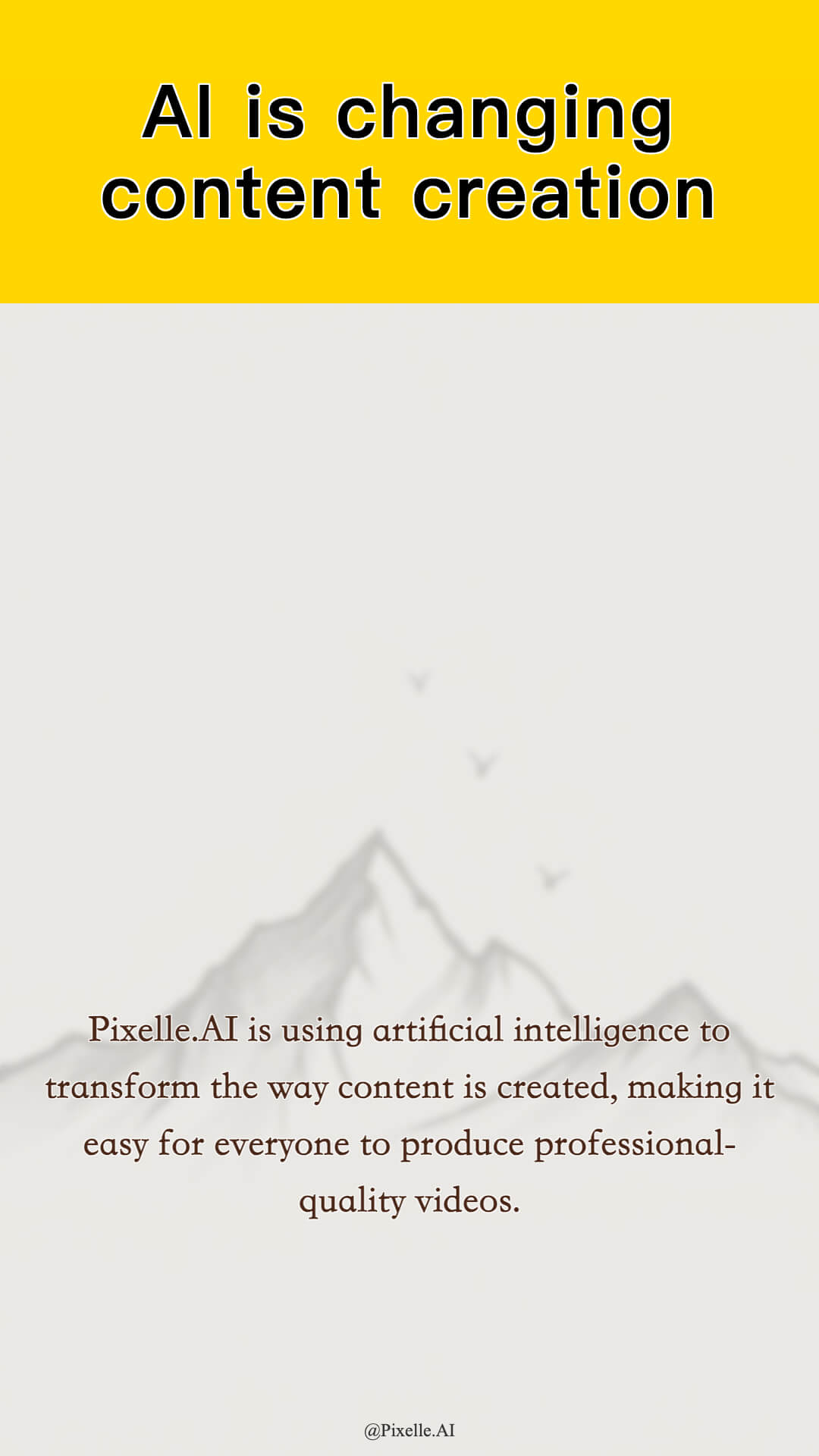
Health preserving tips, suitable for wellness explainers.
- **Life Insights**
---
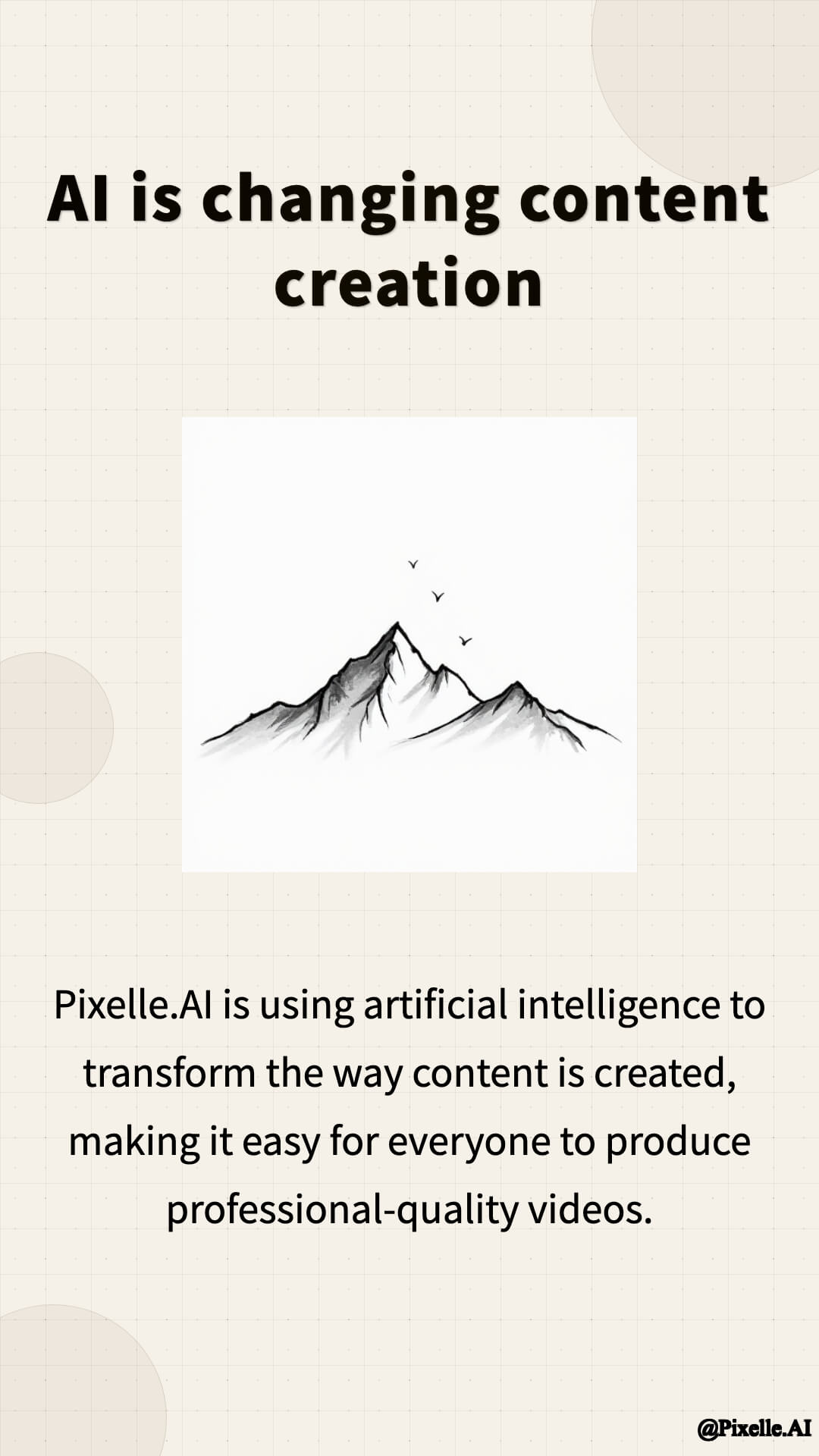
Life insights, conveying warmth and strength
- **Full**
---
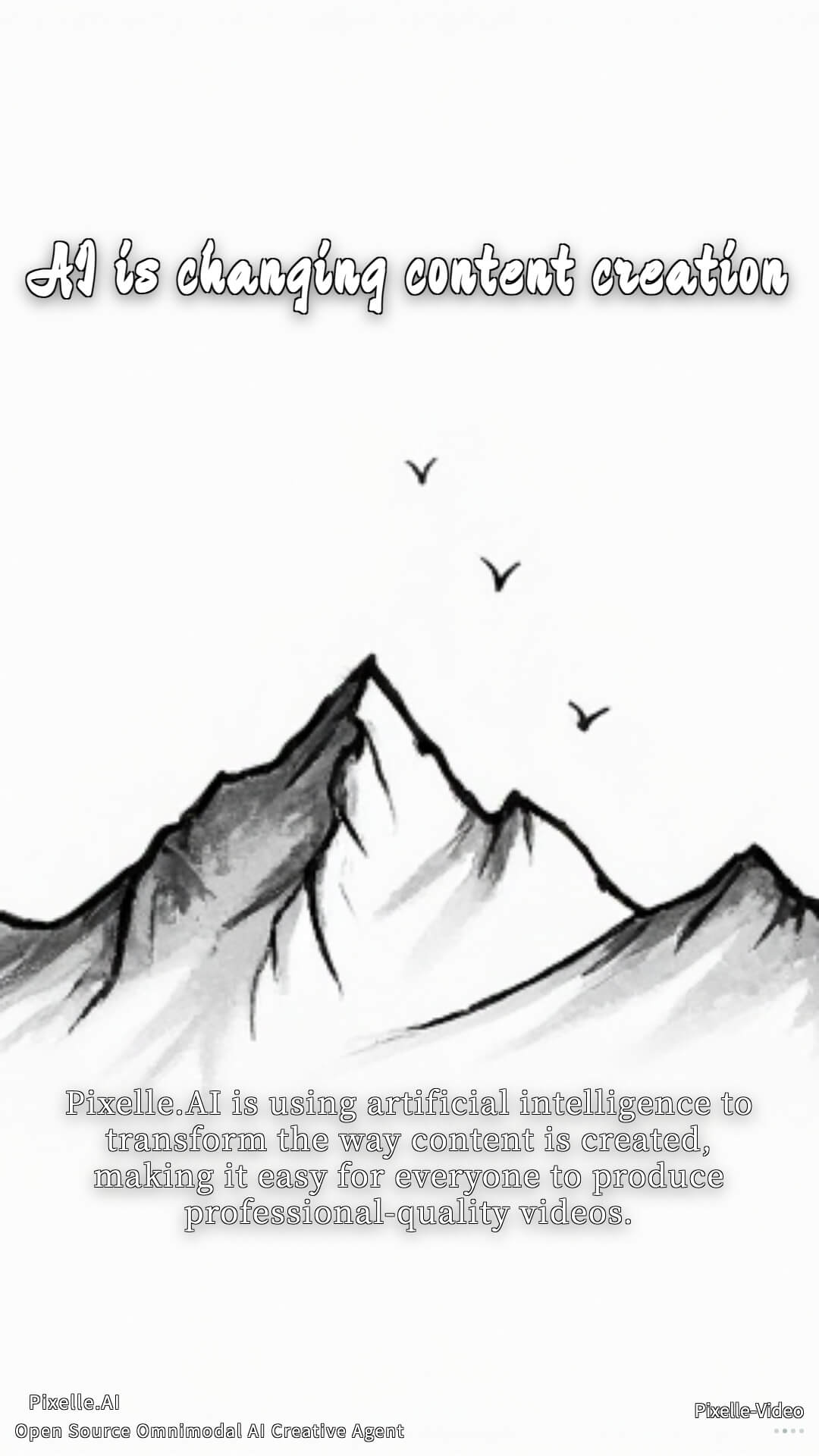
Full screen display, suitable for book lists
- **Healing**
---
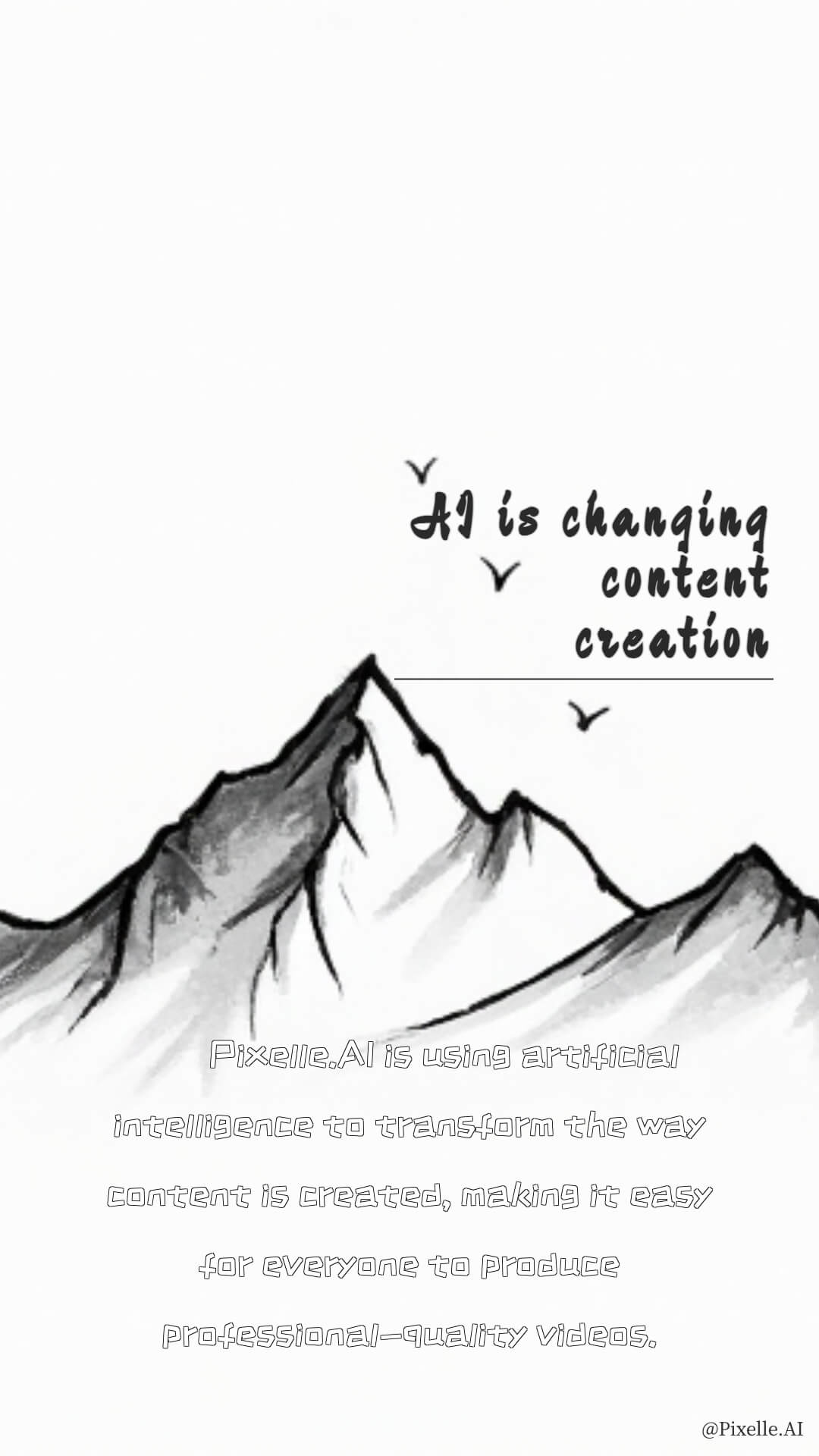
Healing style, suitable for therapeutic content
- **Video_Default**
---

Default dynamic template
- **Video_Healing**
---

Healing dynamic template
---
### Landscape Templates (1920x1080)
Suitable for YouTube, Bilibili, and other video platforms.
- **Ultrawide Minimal**
---
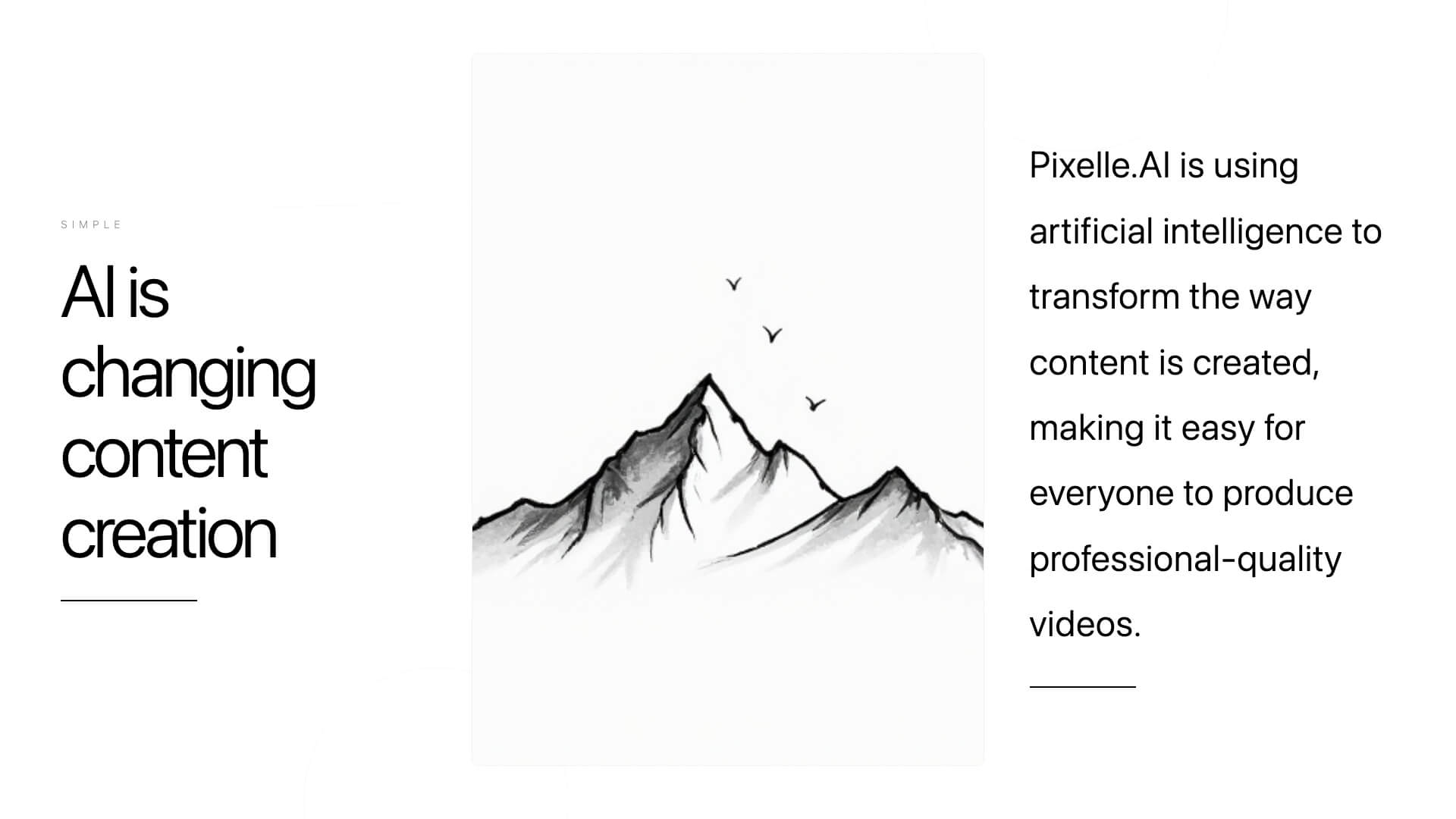
Ultrawide minimalist style, suitable for desktop viewing
- **Wide Darktech**
---
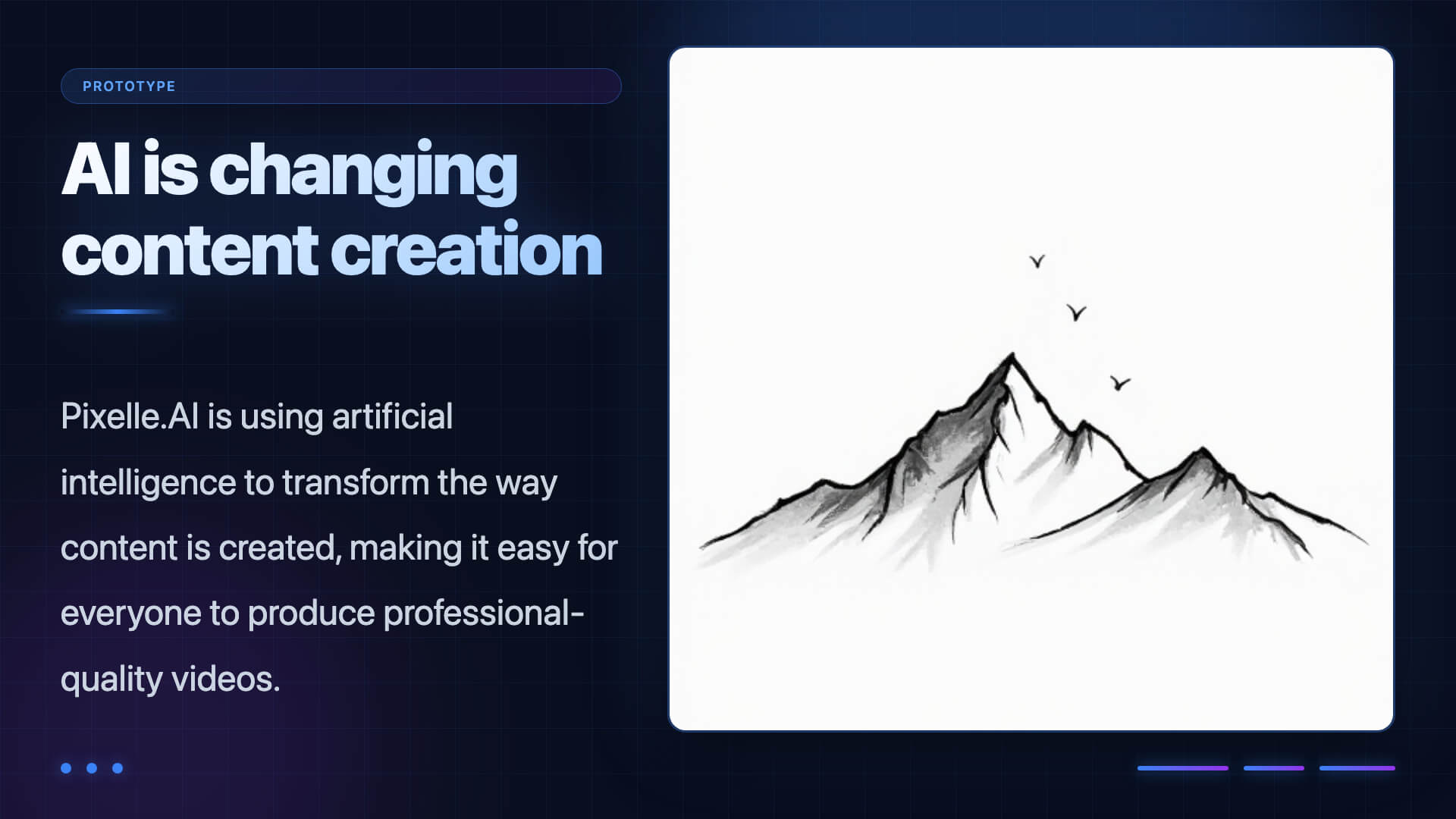
Dark tech style, suitable for technology and gaming content
- **Film**
---

Film style, immersive experience
- **Full**
---

Full screen display, suitable for book lists
- **Book**
---
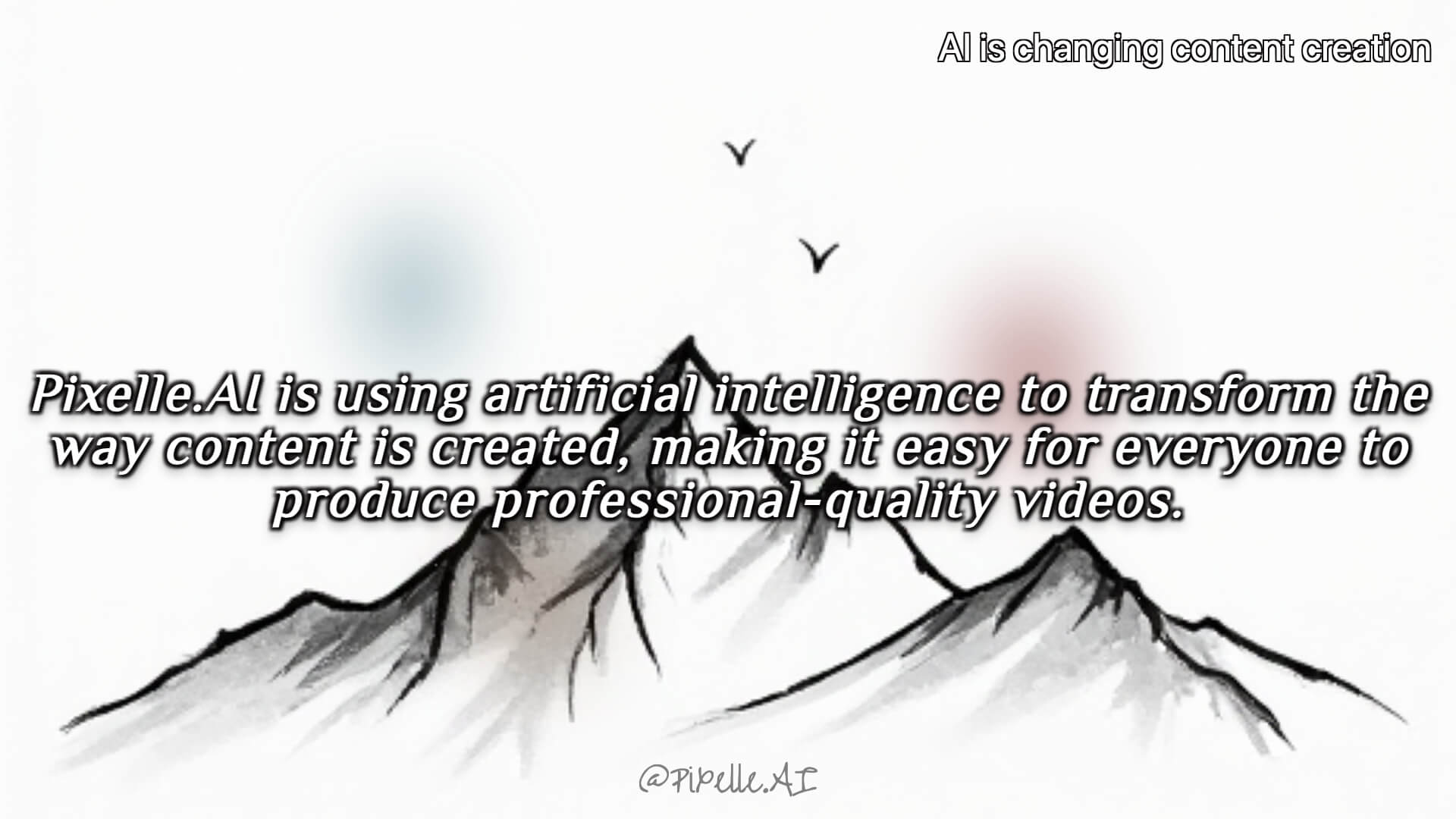
Book style, suitable for book lists
---
### Square Templates (1080x1080)
Suitable for Instagram, WeChat Moments, and other platforms.
- **Minimal Framed**
---
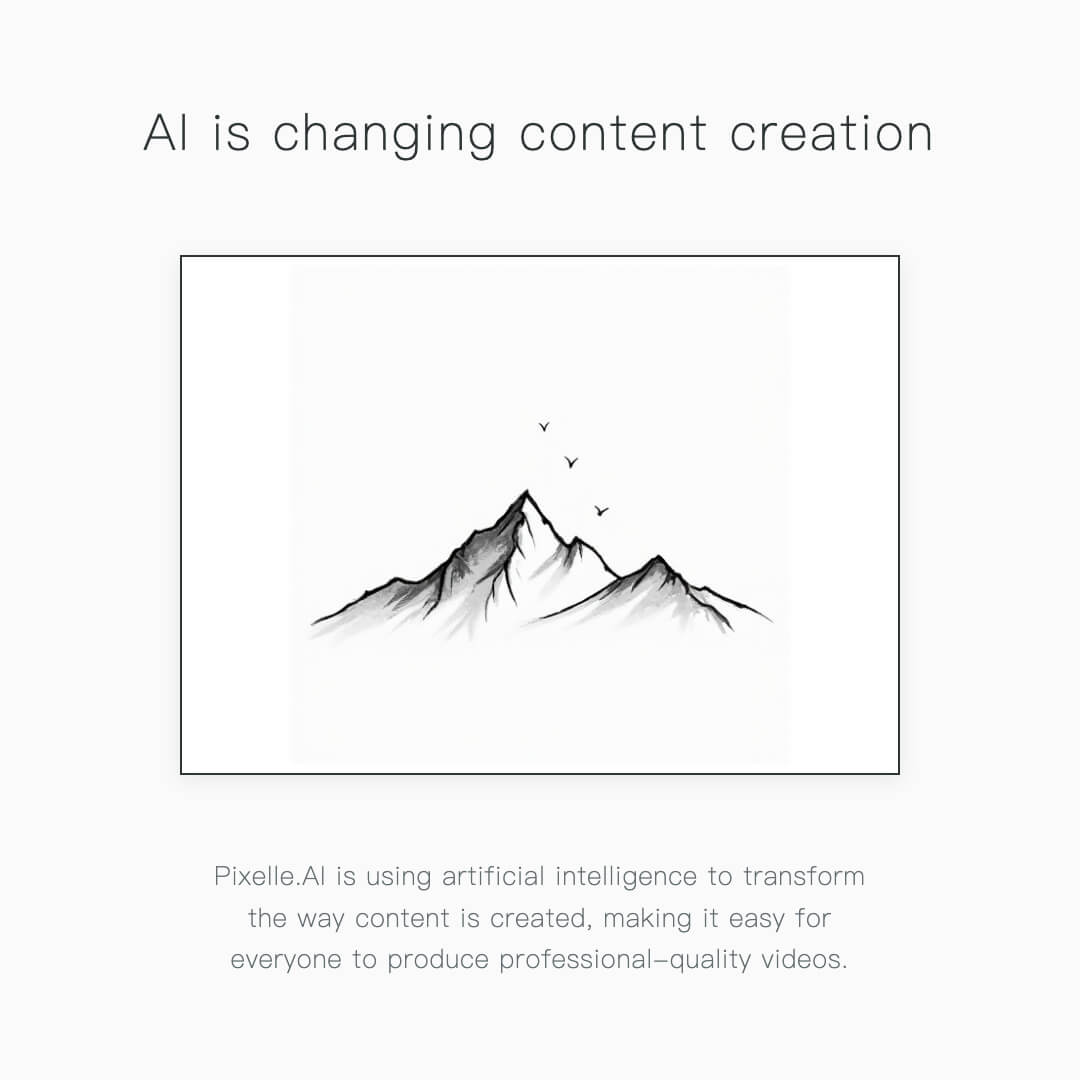
Minimalist framed style, suitable for social media sharing
---
## Template Naming Convention
Templates follow a unified naming convention to distinguish different types:
- **`static_*.html`**: Static templates
- No AI-generated media content required
- Pure text style rendering
- Suitable for quick generation and low-cost scenarios
- **`image_*.html`**: Image templates
- Uses AI-generated images as background
- Invokes ComfyUI image generation workflows
- Suitable for content requiring visual illustrations
- **`video_*.html`**: Video templates
- Uses AI-generated videos as background
- Invokes ComfyUI video generation workflows
- Creates dynamic video content with enhanced expressiveness
## Template Structure
Templates are located in the `templates/` directory, grouped by size:
```
templates/
├── 1080x1920/ # Portrait
│ ├── static_*.html # Static templates
│ ├── image_*.html # Image templates
│ └── video_*.html # Video templates
├── 1920x1080/ # Landscape
│ └── image_*.html # Image templates
└── 1080x1080/ # Square
└── image_*.html # Image templates
```
---
## Creating Custom Templates
### Steps
1. Copy an existing template file from the `templates/` directory
2. Modify HTML and CSS styles
3. Save to the corresponding size directory with `.html` extension
4. Use the new template name in configuration or Web interface
### Template Variables
Templates support the following Jinja2 variables:
- `{{ title }}` - Video title (optional)
- `{{ text }}` - Current scene text content
- `{{ image }}` - Current scene image (if any)
### Example Template
```html
```
---
## Template Development Tips
### 1. Responsive Sizing
Ensure the template's `body` size matches the target video dimensions:
- Portrait: `width: 1080px; height: 1920px;`
- Landscape: `width: 1920px; height: 1080px;`
- Square: `width: 1080px; height: 1080px;`
### 2. Text Typography
- Use appropriate font sizes and line heights for readability
- Add shadows or backgrounds to text for better contrast
- Control text length to avoid overflow
### 3. Image Handling
- Use `object-fit: cover` to ensure image filling
- Add gradients or overlay layers to improve text readability
- Consider fallback solutions for image loading failures
### 4. Performance Optimization
- Avoid overly complex CSS animations
- Optimize background image sizes
- Use system fonts or web-safe fonts
---
## More Information
For template development questions, feel free to ask in [GitHub Issues](https://github.com/AIDC-AI/Pixelle-Video/issues).